Not long ago, designing a home interior meant either drafting tedious floor plans on grid paper or wrestling with complex desktop CAD software. Today, you can test wall colors, swap flooring, rearrange furniture, and generate photorealistic 3D renders right from your phone in seconds. To help you choose the right app for your remodel, we compared the five top-rated interior design tools on the market.
Be sure to explore our practical guide on how to use 3D interior design apps and our breakdown of free renovation simulators.
Arquitet IA: Instant Spatial AI from a Single Photo
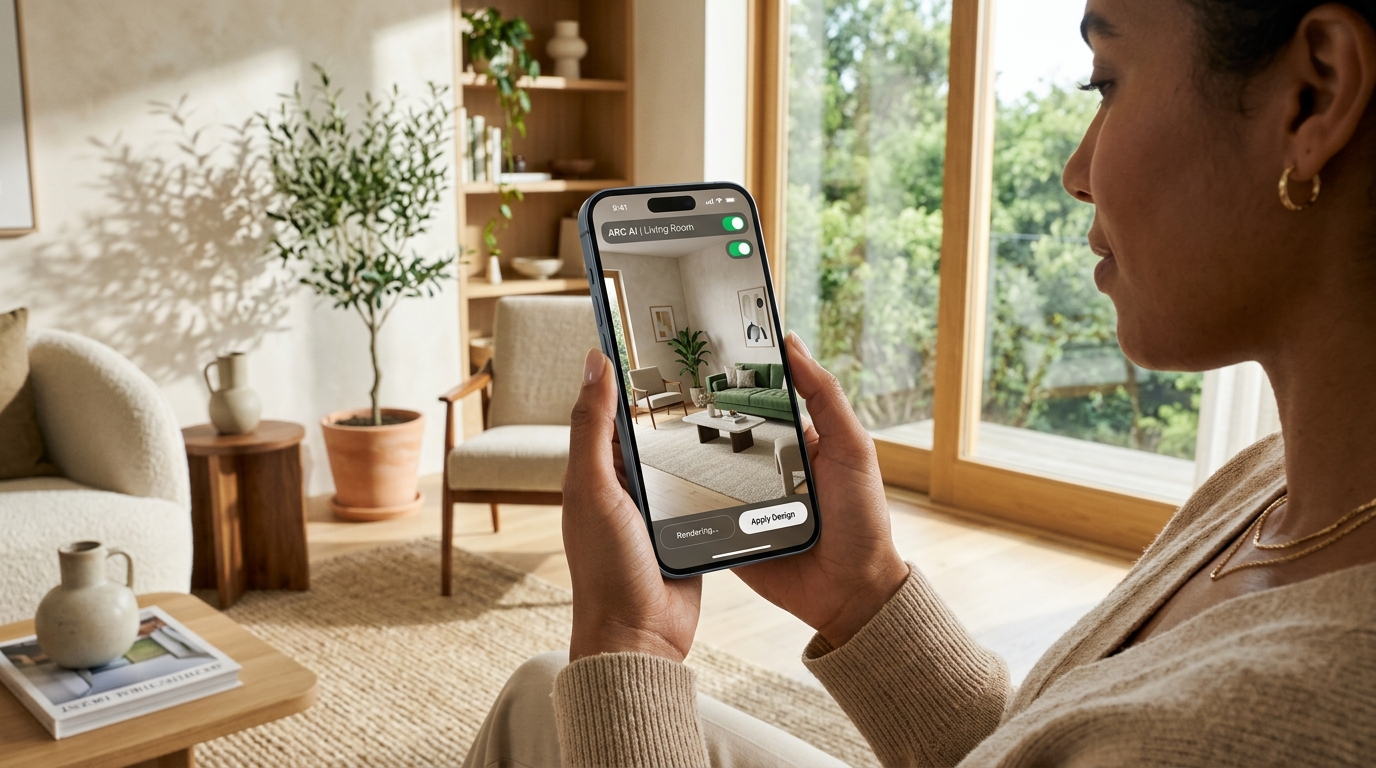
Arquitet IA leads the visual makeover category because it completely eliminates the need to measure angles or build 3D geometry manually.
Simply snap a photo of your existing room. The spatial AI recognizes walls, natural light, and dimensions, generating complete 3D redesigns across styles like Japandi, Warm Minimalism, Industrial, and Contemporary Chic. It is ideal for homeowners who want instant visual certainty before purchasing materials.
RoomScan Pro: Fast LiDAR Floor Plans on Mobile
If you need fast, accurate room measurements before ordering custom cabinetry or flooring, RoomScan Pro is an industry favorite.
Using augmented reality and LiDAR sensors on supported iPhones and iPads, you simply tap or point your camera at wall corners to generate dimensioned 2D architectural plans ready for export.
Planner 5D: Creative 2D & 3D Floor Plan Modeling
Planner 5D is a staple among DIY enthusiasts who enjoy building room layouts from scratch.
It allows you to draft walls, insert window openings, and place items from an extensive furniture catalog, switching effortlessly between 2D top-down blueprints and interactive 3D virtual walkthroughs.
Houzz and Magicplan: Project Inspiration & Cost Estimation
Rounding out the home renovation toolset, two specialized apps serve distinct phases of a project:
Houzz offers an unmatched visual database of millions of real residential project photos and local contractor directories, while Magicplan excels at calculating building material estimates and labor costs directly from room scans.
Overview: Comparing the Top 5 Interior Design Apps
| Application | Core Strength | Learning Curve | Best For |
|---|---|---|---|
| Arquitet IA | Photorealistic AI makeover from room photo | Very Easy (instant) | Homeowners, decorators, and realtors |
| RoomScan Pro | LiDAR & AR laser floor plan creation | Easy to Moderate | Fast room and dimension scanning |
| Planner 5D | Manual 2D drafting and 3D furniture catalog | Moderate (assembly required) | DIY hobbyists who enjoy manual layouts |
| Houzz | Mood boards & verified pro directory | Very Easy (browsing) | Finding design inspiration & hiring |
| Magicplan | Job estimating & contractor material lists | Moderate to Advanced | Remodelers & construction estimators |
Frequently Asked Questions
What is the best interior design app for beginners without architecture experience?
Arquitet IA is the most user-friendly choice because it requires no manual drafting: simply take a photo of your room and spatial AI automatically generates photorealistic 3D redesigns in seconds.
How do AI-based remodel apps differ from traditional 3D software?
Traditional tools require hours of manual 3D modeling. AI apps use computer vision to instantly recognize room boundaries and lighting directly from photos, rendering complete design makeovers in seconds.
Can mobile apps accurately measure room dimensions?
Yes! Apps utilizing iPhone LiDAR sensors or AR camera tracking (such as RoomScan and Magicplan) can scan walls and produce scaled 2D floor plans within minutes.
Are these interior design apps available on both iOS and Android?
Yes, leading mobile design platforms, including Arquitet IA, are natively available across both iOS and Android smartphones.
Experience Spatial AI Interior Design on Your Phone
Ready to see what spatial AI can do for your living space? Open the Arquitet IA app, snap a photo of any room, and explore photorealistic 3D makeovers in seconds.
Get Arquitet IA for Free →