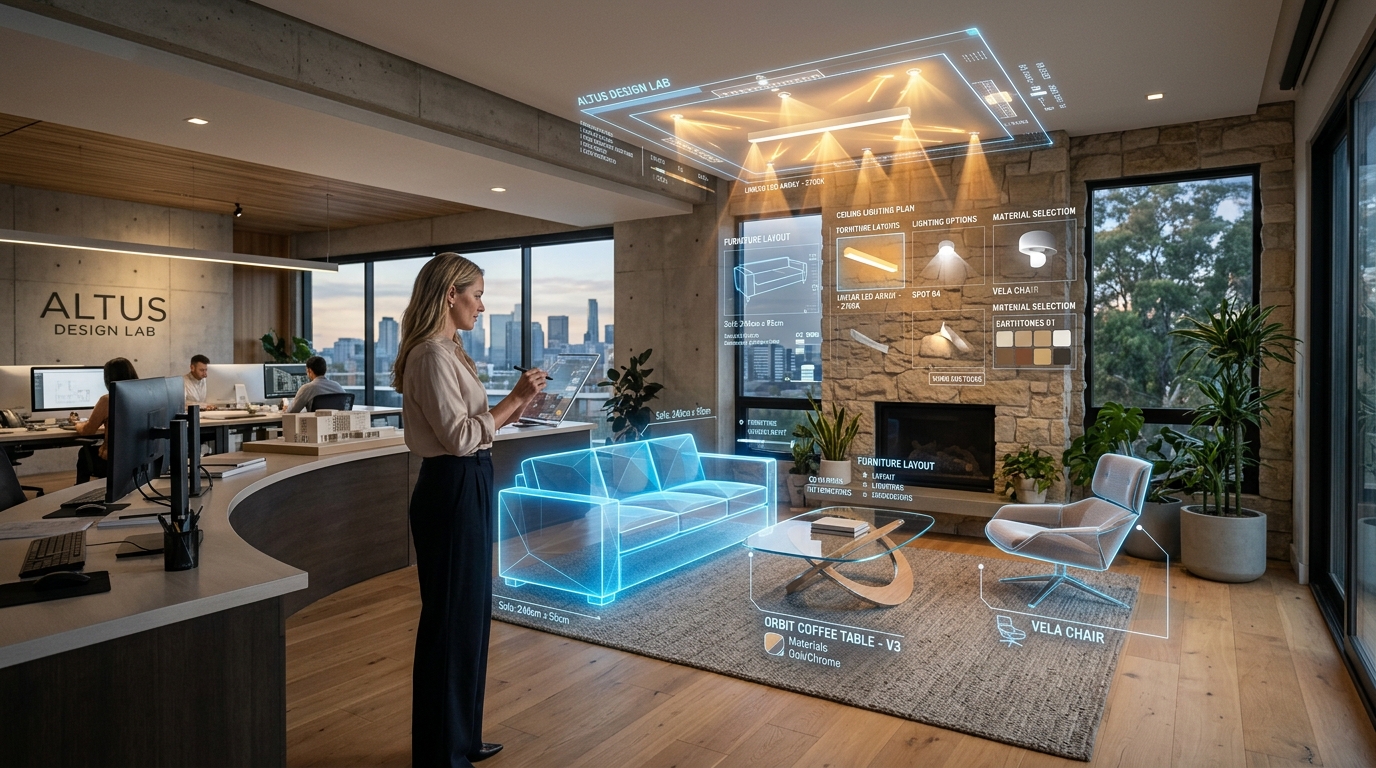
Planning a home renovation or refreshing a room’s decor used to involve plenty of guesswork. Many of us have bought a gallon of paint that looked fantastic on a tiny paper swatch, only to discover it felt gloomy under evening lamplight. Or purchased a couch that looked compact in the showroom, only to realize on delivery day that it blocked the hallway.
In recent years, artificial intelligence has quietly transformed this experience into something fast, fun, and accessible. What once required weeks of waiting and thousands of dollars for 3D renderings can now be visualized instantly on your phone using a simple photo of your space.
Seeing the Transformation Before Spending Money
The hardest part of redecorating has always been mentally assembling the puzzle: will this rug match those curtains? Will dark wood look heavy next to our tiled floors? Most people struggle to visualize two-dimensional floor plans in real-world scale.
With photo-based AI tools, you simply snap your living room, bedroom, or patio. The algorithm detects walls, ceiling heights, door frames, and natural daylight angles, generating realistic variations across popular interior design styles — from Scandinavian serenity to the urban edge of an industrial home aesthetic. To compare top platforms, check out our guide to the best interior design apps.
From Weeks of Rendering to Live Conceptual Testing
In traditional architectural workflows, 3D visualization was a major bottleneck. Designers spent hours modeling individual pieces of furniture, followed by lengthy computer processing times. If a client wanted to swap oak cabinetry for burnished concrete, the render had to be built and calculated all over again.
Generative AI turns this into a live, interactive conversation. During a design consultation, you can test three different paint shades and two flooring materials in less than two minutes, eliminating friction and making decisions easy.
Technology as a Creative Partner for Designers
Early fears that AI would replace architects and interior designers have proven unfounded. In practice, the technology serves as a trusted creative assistant.
By handling early brainstorming imagery rapidly, AI frees professionals to focus on human ingenuity: understanding how a family truly lives, designing custom millwork, optimizing natural airflow, and managing construction quality on-site.
Realistic Textures and Regional Materials
Early AI generators produced only generic European interiors. Today’s models are trained on regional architecture, recognizing genuine woods, breeze blocks, honed granite, textured linen, and lush tropical indoor plants.
When you simulate a dining room or balcony, the preview mirrors materials and furnishings you can actually source from local suppliers and craftsmen.
Try AI in your own living space
Snap a photo of your living room, bedroom, or kitchen and preview new wall colors, flooring, and furniture in seconds with the Arquitet IA app.
Simulate Rooms in Arquitet IA →How AI Transforms the Interior Design Process
| Design Step | Traditional Method | With Artificial Intelligence |
|---|---|---|
| Color Selection | Tiny paint swatches that look different on walls | Direct on-wall simulation adjusted for natural light |
| 3D Preview | 2 to 4 weeks of manual 3D drafting | Photorealistic previews rendered in seconds |
| Style Testing | Guessing based on generic Pinterest images | Comparing multiple aesthetics inside your actual room |
| Client Collaboration | Multiple rounds of slow revision meetings | Real-time adjustments during the conversation |
Frequently Asked Questions
Does artificial intelligence replace architects or interior designers?
No. AI acts as a creative assistant. It generates fast visual concepts for homeowners and speeds up preliminary styling, but technical drawings, millwork dimensions, building codes, and on-site contractor management still rely on human expertise.
How does smartphone photo room simulation work?
You snap a photo of your existing room, and computer vision models identify walls, doors, windows, and existing daylight. The app then renders new wall finishes, flooring, and furniture in your chosen style while preserving real room geometry.
Does AI interior simulation save money on renovations?
Yes, significantly. Seeing the finished look before buying paint cans, tiles, or sofas prevents costly impulse mistakes, mismatched color choices, or oversized furniture that blocks walkways.
Can you use AI to plan improvements in rental properties?
Yes. You can test damage-free upgrades such as peel-and-stick wallpaper, area rugs, curtains, floor lamps, and modular furniture to make the rental feel like home without remodeling.